


Digital Estate Planning for Retirees Who Went Paperless
By Danny Gudorf | Founder, Gudorf Financial Group | Updated November 2026
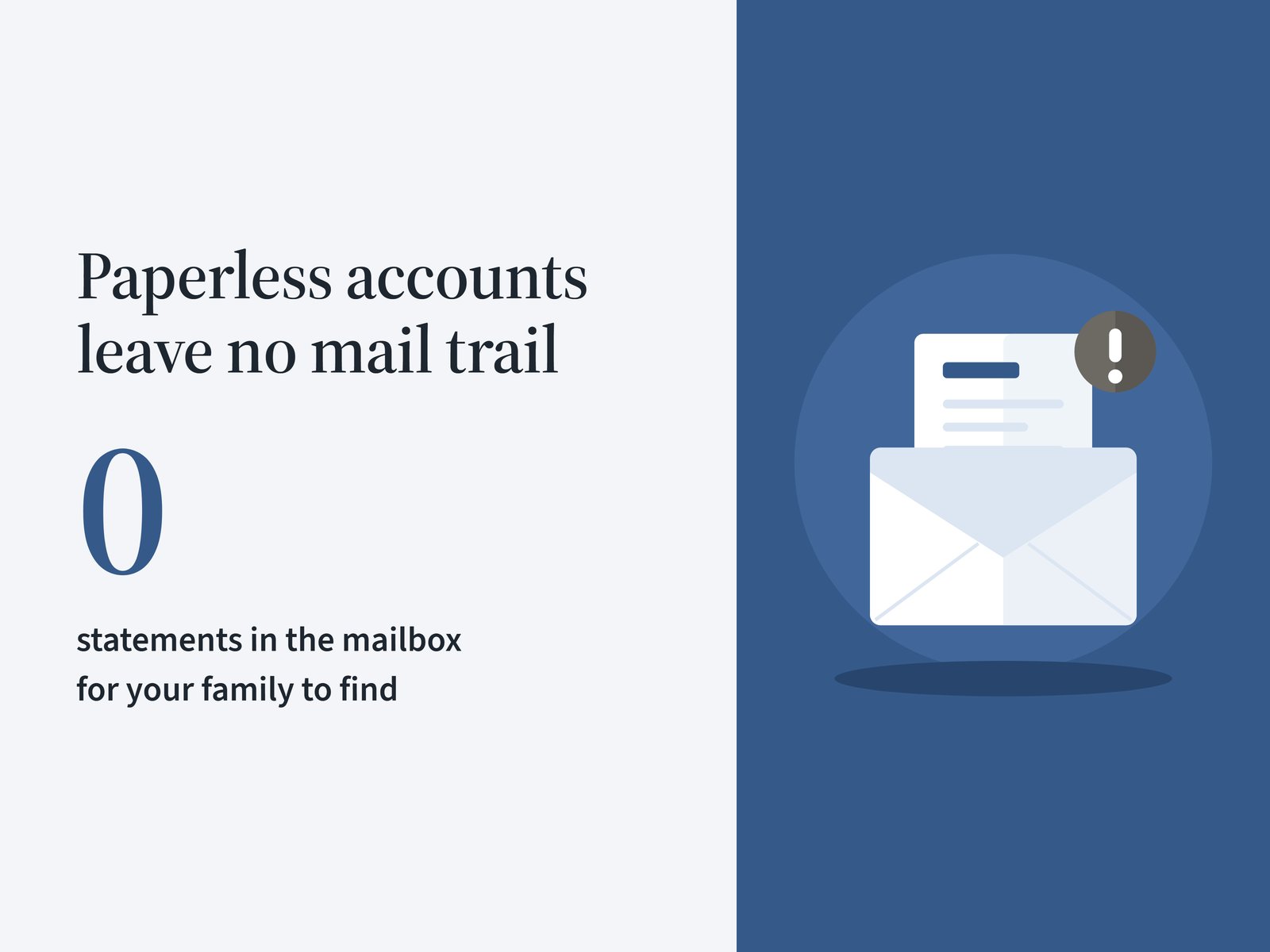
Fifteen years ago, if something happened to you, your family could find most of your money by watching the mailbox. Bank statements, brokerage statements, the 1099s every January.
That trail is mostly gone now. You went paperless, which was the right call, and now the map to your money lives in an email inbox only you can open.
So that is what digital estate planning is for. It makes sure the people who settle your estate can find every account and legally get into it, without guessing at passwords or waiting months on a tech company.
Researchers at Carnegie Mellon recently put some detail behind this. They interviewed 21 American adults over 60 about their online accounts, and most kept their passwords on paper or in a file on their computer, while some had not thought about it at all.
I'll be honest with you. We've watched this play out with families over the years, and it almost never comes down to a bad document.
It comes down to communication. The family never talked about it, and there was no method for storing everything in one place.
Why Paperless Accounts Are the Real Digital Estate Planning Problem
When people hear "digital assets," they think social media and photos. Those matter to a family, but the money is where the real damage happens.
Here's what lives only online for a lot of retirees today:
- Online-only savings accounts and CDs. High-yield banks with no branch and no paper statement.
- I bonds and Treasury bills at TreasuryDirect. Electronic savings bonds don't come with a paper statement.
- Brokerage and retirement accounts set to e-delivery. Statements, tax forms, and trade confirmations all go to email.
- Payment apps. PayPal, Venmo, and similar accounts can carry a balance.
- Autopay and subscriptions. Charges keep hitting a credit card until somebody notices.
- Crypto. If it sits on an exchange or in a wallet, nobody may know it exists.
Now, your executor can track down a lot of this eventually. But "eventually" can mean months of letters, phone calls, and court paperwork.
And some of it may never come back. A crypto wallet with a lost key is gone.
What Happens When Nobody Has the Map
We see this situation all the time. Say you've got a couple, both 70, with about $1.5 million saved.
He handled the money for 40 years. Somewhere along the way, every account went paperless.
He passes away first. She knows about the IRA because she sat in the planning meetings.
What she doesn't know about:
- The online savings account he opened for the higher rate, holding about $80,000.
- The I bonds he bought at TreasuryDirect a few years back.
- The subscriptions renewing on his credit card every month.
She has his phone, but it's locked. The bank sends its verification code to his cell number, and she canceled that line two weeks after the funeral to save money.
None of that money is lost. But she spends the next six months hunting for it instead of grieving, and that is the part families don't see coming.
Why a Password List Isn't Enough Anymore
A password on an index card in the desk drawer used to do the job. Today most financial sites use two-factor authentication: you type the password, then the site texts or emails you a code.
That code goes to your phone or your email. So your family needs three things to get in, not one:
- The password to the account.
- The phone or email that receives the code, still active.
- The passcode to open that phone.
The Carnegie Mellon researchers found the same gap. A password alone won't get an heir in if the code goes to a phone number or email account that has been closed.
There's a legal piece too. Logging into someone else's account with their password, even with the best intentions, can break the site's terms of service, which is why the estate documents in step four matter.
Your Digital Estate Planning Checklist
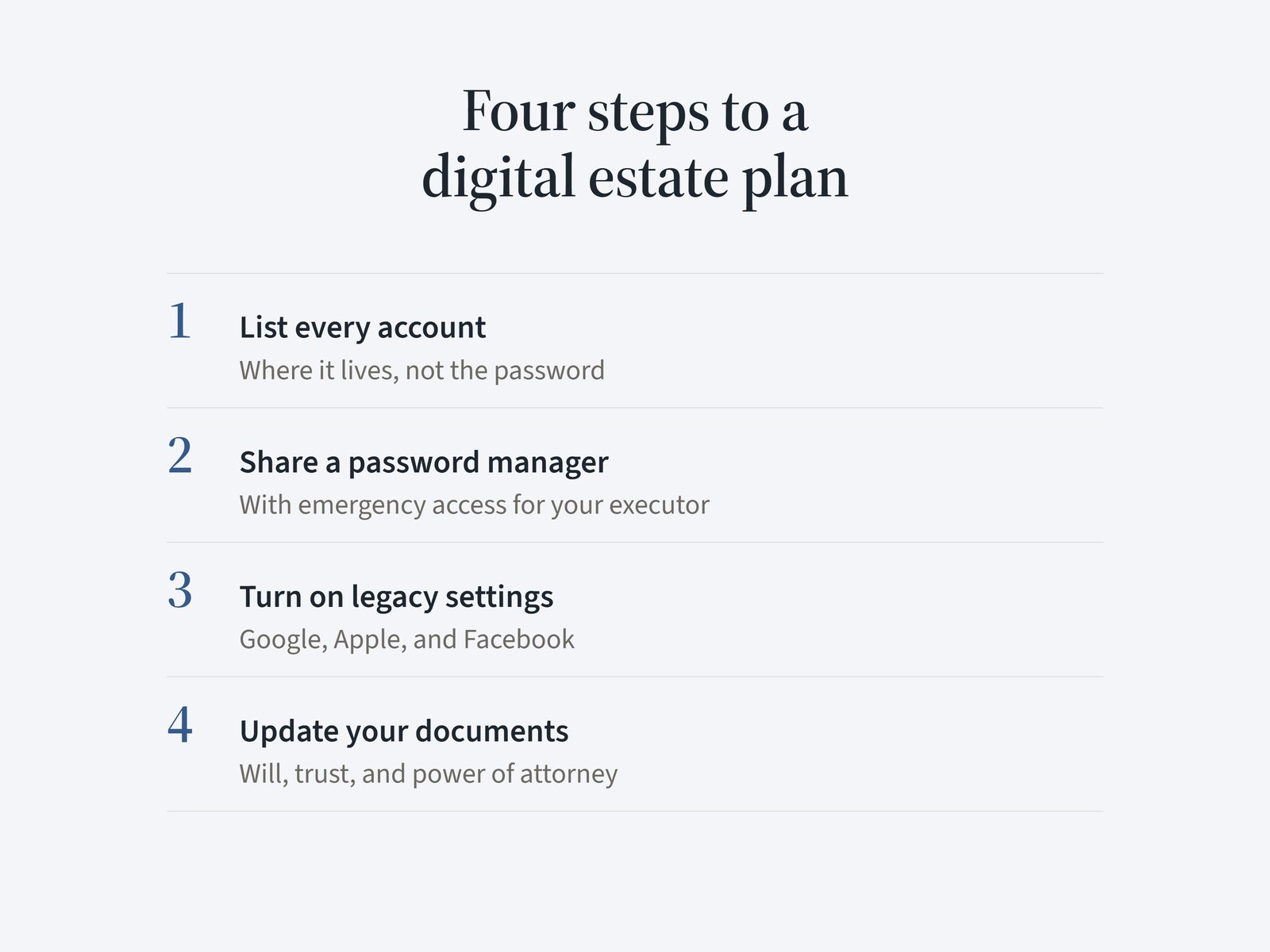
All right. Here's how we'd set this up, in four steps.
Most couples can get through the first three in a weekend.
Step 1: Write Down Where Everything Lives
Start with a list of every account. Not the passwords yet, just where everything is.
At GFG we keep a full inventory of our clients' financial assets. What we don't keep is the digital side: the logins, the passwords, and which email or phone each account is tied to.
That needs its own home, which is step two. Your list should cover:
- Financial accounts: banks, brokerage accounts, IRAs, 401(k)s, annuities, TreasuryDirect, payment apps, and crypto.
- The accounts that open other accounts: your primary email address and your cell phone number. Nearly every password reset runs through one of them, so they are the master keys.
- Bills on autopay: utilities, insurance, and subscriptions, so your family knows what to cancel.
- Memories: where your photos, videos, and important files are stored.
- Social media: which accounts you have and what you want done with each one.
If you want a starting point for the paper side, our list of essential retirement documents to keep organized pairs well with this one.
Step 2: Use a Password Manager You Can Share With Your Executor
We recommend a password manager. It's software that stores every login in one encrypted vault behind a single master password.
Pick one you can share with your executor. Several of the major password managers have an emergency access feature: you name a trusted person, and if they request access, they get in after a waiting period you set, unless you deny it.
A few rules we give clients:
- Keep it current. Every forced password reset makes an old list less useful. A vault updates as you go.
- Store the master password and your phone passcode where your executor can find them, such as with your estate documents.
- Keep passwords out of your will. A will can become a public record once it goes through probate, and passwords change far more often than you update a will.
Step 3: Turn On the Legacy Settings the Platforms Already Offer
The big tech companies have their own tools for this. Few people use them, and the Carnegie Mellon team found that few of the older adults they interviewed even knew these features existed.
| Platform | Tool | What it does |
|---|---|---|
| Google (Gmail, Photos, Drive) | Inactive Account Manager | After your account sits inactive for a period you choose, Google notifies up to 10 people you name and can share the data you picked |
| Apple (iCloud, Photos) | Legacy Contact | The person you name can request your account data with an access key and a death certificate |
| Legacy contact | Manages your memorialized profile. They can't log in as you or read your messages |
Setup takes a few minutes each. Here are Google's Inactive Account Manager instructions and Apple's Legacy Contact instructions.
For Apple, print the access key and keep it with your estate documents. Apple suggests exactly that.
Now, none of these tools reaches your bank or brokerage accounts. They cover email, photos, and social media, which is why step two still matters.
Step 4: Make Sure Your Estate Documents Cover Digital Assets
This is the legal side, and it's Ted Gudorf's world, not mine. I'm a financial advisor, not an attorney.
Ohio adopted the Revised Uniform Fiduciary Access to Digital Assets Act in 2017. It's in Ohio Revised Code Chapter 2137, and it sets the rules for when an executor, trustee, or agent under a power of attorney can get into your online accounts.
Three parts of it matter for your family:
- Your directions carry weight. Instructions you give, through a platform tool like Google's or in your documents, can control what your fiduciary is allowed to see.
- Companies get time. A company has up to 60 days after it receives the required paperwork to respond, and it can charge a reasonable fee.
- Older documents may be silent. A will, trust, or power of attorney signed before 2017 may say nothing about digital assets.
Our attorneys at Gudorf Law Group have updated language in their documents for exactly these kinds of assets. If your documents are more than a few years old, have them reviewed.
Talk to Your Family About It
The point is, none of these tools work if nobody knows they exist.
You don't need to read every password out loud at Thanksgiving. But your spouse and your executor should know three things:
- Your primary email address, the one your accounts send everything to.
- Which social media accounts you have and what you want done with them.
- Where the password manager and the account list are kept, and how to get in.
That one conversation prevents most of what we've seen go wrong.
The families who had the hardest time weren't missing a fancy document. They were missing a ten-minute talk and a place where everything was stored.
How Digital Assets Fit the Rest of Your Estate Plan
Your digital estate plan is not a separate project. It's one more piece of the same plan as your will, your trust, and your beneficiary forms.
A few connections to check:
- Beneficiary forms still control. Your IRA goes to whoever is named on the form, so keep those forms current and understand the per stirpes versus per capita choice on your beneficiary form.
- A trust only controls what's in it. Online-only accounts need to be titled to your trust or carry a beneficiary, the same as paper ones. Here's more on when a revocable living trust beats a will for Ohio retirees.
- Your executor needs a partner. When a client passes away, we work directly with the executor and the family to find, retitle, and distribute the assets.
That last one is where having everything under one roof pays off. With financial planning, tax, and estate planning coordinated with your retirement plan in the same office, your family makes one phone call instead of ten.
Frequently Asked Questions
What is digital estate planning?
Digital estate planning is making a plan for your online accounts and digital property in case you die or can't manage them yourself. It covers a list of your accounts, a way for a trusted person to get in, the legacy settings on platforms like Google and Apple, and estate documents that give your executor legal authority over digital assets.
What happens to my online accounts when I die?
Each company follows its own policy and the law of your state. Without a plan, your family may wait weeks or months for access, some accounts can be deleted after a long stretch of inactivity, and subscriptions keep charging until someone cancels them.
Can my executor access my email after I die?
Sometimes, but not automatically. In Ohio the rules are in Revised Code Chapter 2137, and access to the content of your messages depends on whether you consented, in your documents or through a platform tool.
Ask your estate planning attorney whether your documents include that language.
Should I put my passwords in my will?
No. A will can become a public record in probate, and passwords change too often for a document you update every few years.
Keep passwords in a password manager and use your will, trust, and power of attorney to give your executor legal authority.
Is a password manager safe for retirees?
For most people, a good password manager is safer than a paper list, because every login sits in one encrypted vault behind a single strong master password. Choose one with an emergency access feature, and make sure your executor knows it exists and how to request access.
Here's What Matters
- Going paperless removed the mail trail your family used to follow to find your accounts.
- A password alone won't get your family in. Two-factor codes need a working phone and email.
- Four steps cover most of it: an account list, a password manager you can share, the platforms' legacy settings, and updated estate documents.
- Ohio's digital assets law took effect in 2017, so documents signed before then may not cover these accounts.
- Most of what goes wrong traces back to a conversation that never happened.
If you want a second set of eyes on how your accounts, beneficiaries, and estate documents fit together, that is part of what our free retirement assessment looks at.
Gudorf Financial Group is a fee-only, fiduciary retirement planning firm based in Dayton, Ohio. We serve clients locally and virtually nationwide.
Article References
- "How to prepare your online life for your death." Jenny Tang and Xiaoyuan (Owen) Wu, The Conversation. November 2026.
- "Inactive Account Manager." Google Account Help. Accessed November 2026.
- "How to add a Legacy Contact for your Apple Account." Apple Support. Accessed November 2026.
- "Chapter 2137: Fiduciary Access to Digital Assets." Ohio Revised Code. Accessed November 2026.